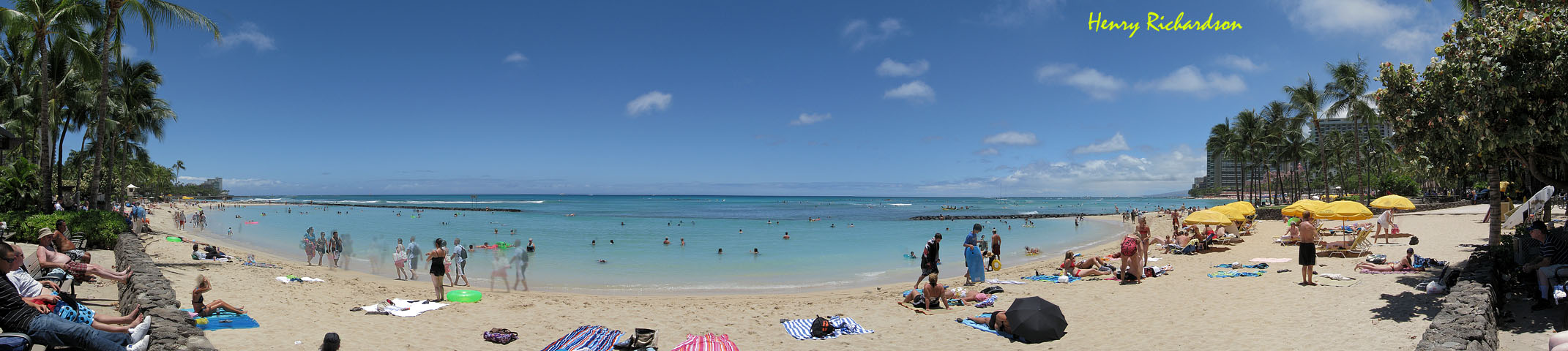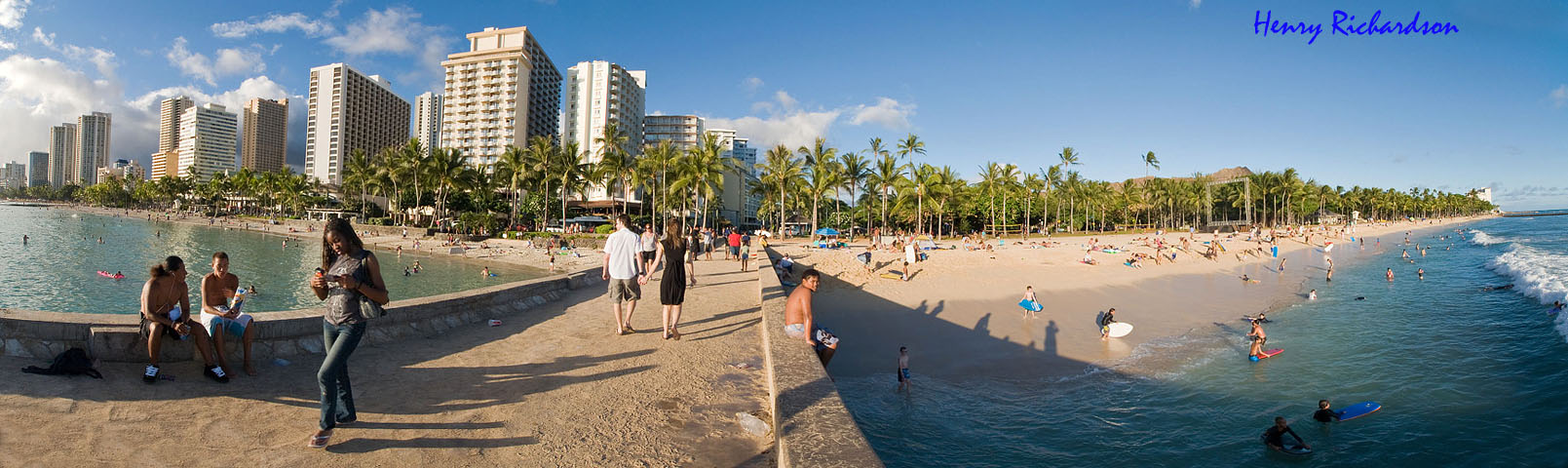
Larger version:
http://www.bakubo.com/panoramas/kuhio_beach_pano.jpg
Any ideas on how to make this kind of panorama without ghosting?
I hope this is the right forum for this post.


I was shooting with a digicam (Canon A590 IS) in this case and it isn't all that fast.Sonolta wrote:Yeah, no doubt. I took a close look at your large version prior to my initial reply, and if it were me I would certainly try to shoot a bit faster, and I would try a different software as suggested in my second link, and also mentioned by subsequent poster. If you happened to have missed the provided samples on my second link please do have a look at the difference better software can make.
 Also, since I was shooting handheld I took an extra beat or so for each photo to try and make sure the horizon was pretty level and basically in the same place in each frame. A DSLR would have been a bit faster and if on a tripod I could have gone just a tad faster too.
Thanks, Daniel. I will check this out.dkloi wrote:Some panoramic software can take into account slight differences between frames and modify the blending region to avoid the offending regions. Enblend 3.2 and Smartblend both have this feature.
Alternatively, if your software allows, you can edit the masks after the remapping but before blending so as to prevent the blending step to blend across the moving element.
E.g.
http://www.rosaurophotography.com/html/PS3.html
http://hugin.sourceforge.net/tutorials/ ... g/en.shtml
Or else you can be reasonably lucky and have only one or two minor stitching artifacts, http://www.360cities.net/image/rome-spa ... -afternoon
I use Hugin for all my panoramas. It's free/open source, and it's nearly at version 0.8 (at the moment RC4 for developers/bleeding edge masochists:-) but the stable 0.7 release is still good. For mask editing, you can use Photoshop, or GIMP. Hugin does have an automated mode but for best results, especially with less straightforward projects manual intervention works best.bakubo wrote:Yes, I looked at the two panoramas that were stitched with different software and the second is much better. Unfortunately, I didn't see that the author told what software was used for each. Right now I have two: old, free version of Panorama Factory and free Autostitch. Maybe I will try a couple more, even if they are just trial versions, to see if different software can handle this image. Any recommendations?
One *very* annoying thing I discovered very quickly is that it seems to expect that all frames are oriented correctly before importing, e.g., if they were taken as verticals then you must rotate them before importing. Also, they must be taken in a left to right order. If you take the photos right to left then Hugin can't handle it. The other two free programs I have used allow those things to be taken care of easily. I still haven't created a panorama with Hugin because I have to go and "fix" all the input files first. This is easy and obvious stuff that Hugin seems to be missing. It doesn't inspire confidence that the rest is ready for prime time either. I will let you know. If I have just missed the way to rotate images, fix the order, etc. in Hugin then please let me know.I never noticed the limitation on orientation and shooting order. Is this using the automatic mode? I usually import TIFFs developed from RAW so orientation is not a problem for me. You can also rotate images in Hugin by setting their roll parameter to 90 degrees. I've shot panos right to left before and didn't notice any problems.bakubo wrote:I downloaded Hugin and installed it. By the way, Hugin is a strange name.


Users browsing this forum: No registered users and 3 guests